Top Follow APK Account Restricted or Banned: Why It Happens and What to Do
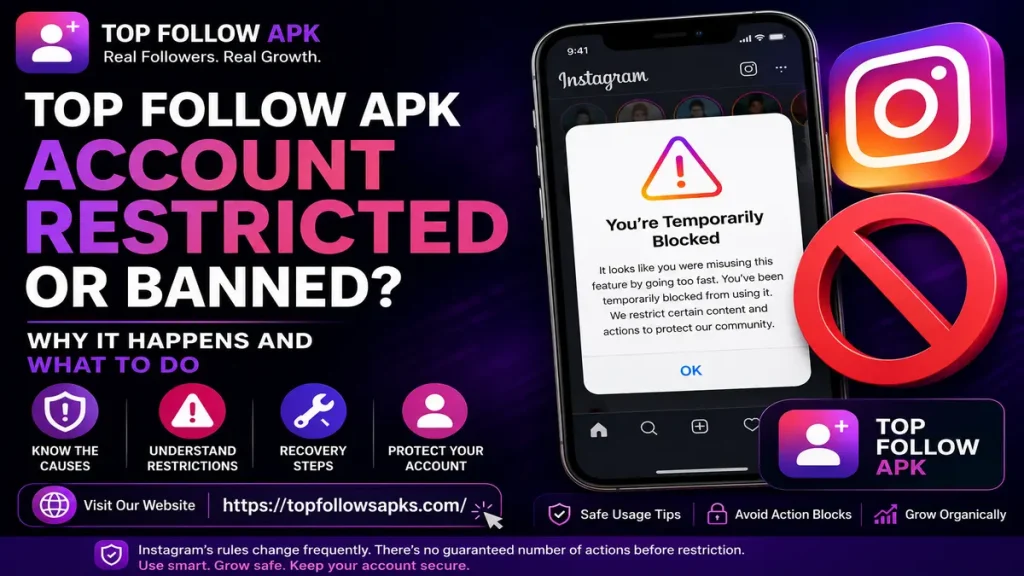
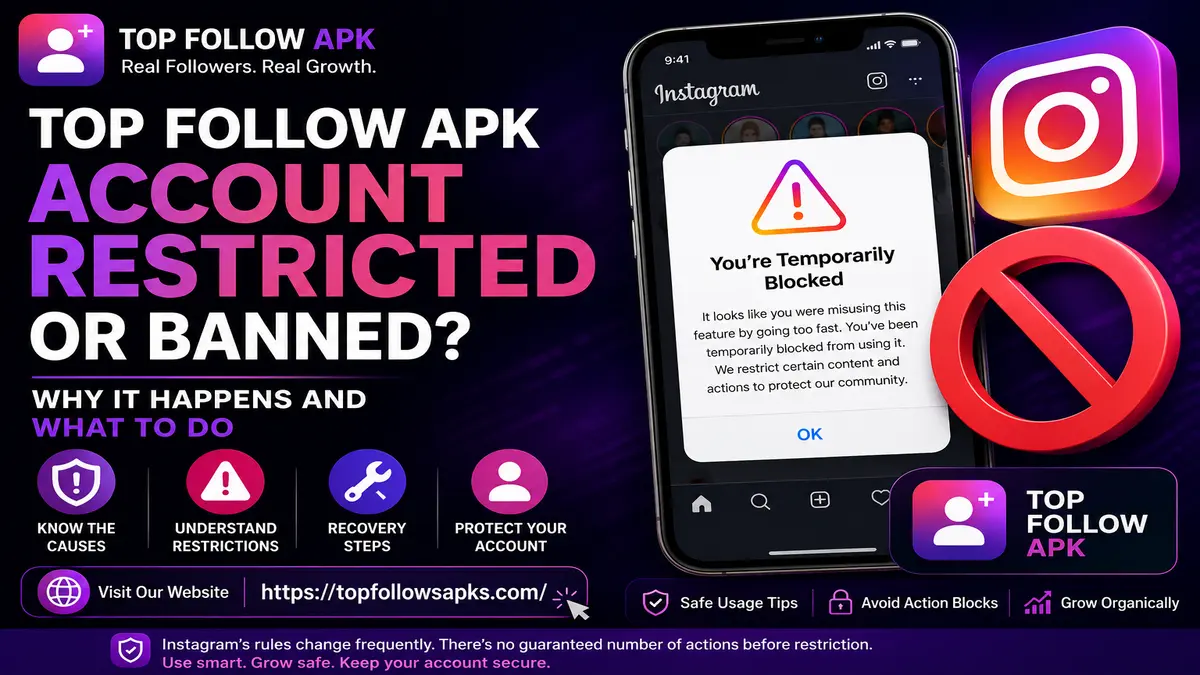
You open Instagram, tap follow on an account, and nothing happens. You try to like a post, and the same thing happens. A message pops up saying you’ve been temporarily blocked from this action, and if you’ve been using Top Follow APK, this moment can feel like your account is finished, though it usually isn’t.
Instagram runs several enforcement systems, and a restriction after using Top Follow APK doesn’t always mean the entire account has been banned. The outcome depends on what Instagram actually shows you, not on rumors floating around forums or YouTube comments.
This guide breaks down what an Instagram restriction can mean, why third-party engagement tools carry account risk, where to check your real account status, and the exact steps to take if you’ve been restricted or disabled.
Important: Instagram does not publicly disclose every signal used by its enforcement systems, and no verified official number of follows, likes, or comments automatically triggers a restriction, so treat any site claiming an exact number with caution.
What Does “Restricted” Mean on Instagram?
The word “restricted” gets used loosely online to describe several different problems. You could be facing a temporary limit on one feature, an account warning, a security check, or something far more serious like a full suspension.
Knowing which one applies to you changes how you should respond.
Action or Feature Restriction
Sometimes Instagram limits a single action. You might temporarily be unable to:
- Follow another account
- Like a post
- Comment
- Perform another specific interaction
If the rest of the account keeps working normally, this is a narrow, feature-level limit rather than a disabled account.
Account Status Issue
Instagram’s built-in Account Status tool exists to help users understand certain restrictions and account issues.
Depending on your situation, it can show information about removed content, features you currently can’t use, and options available to you, including a review request.
If you’ve been restricted, this is one of the first places to check, well before reading any third-party explanation, including this one.
Suspended or Disabled Account
A disabled or suspended account is a more serious event.
Meta’s account-integrity policies state that it can restrict or remove accounts that seriously or repeatedly violate its rules, using a mix of automated detection and manual review.
If your account gets disabled, Instagram typically shows a review or appeal option directly when you try to log in, so follow that path rather than searching for workarounds.
Can Top Follow APK Cause an Instagram Account Restriction?
There’s no official Instagram statement saying that using Top Follow APK automatically results in a ban, though that doesn’t make the app risk-free.
Top Follow runs on an engagement-exchange model where you earn coins or rewards by following, liking, or interacting with other accounts. Depending on how the app operates and how heavily you use it, this can create repeated, fast-paced activity that looks different from normal manual usage.
Meta’s policies address high-frequency and automated activity in the context of spam and account integrity.
Put simply: Top Follow APK doesn’t guarantee a ban, but the automation and engagement-exchange model it relies on can raise your account’s risk profile. The actual outcome comes down to your account’s activity pattern and history, not the app alone.
Why Third-Party Engagement Activity Can Be Risky
Instagram hasn’t published a complete formula for how its systems flag suspicious behavior, so be skeptical of any site claiming to know the exact trigger numbers. That said, a few general risk factors are worth understanding.
1. Repetitive or High-Frequency Activity
Meta’s spam policy prohibits posting, sharing, or engaging with content at very high frequencies, whether done manually or through automation. The same policy notes that even lower-frequency activity can trigger restrictions when other spam or inauthenticity signals are present.
This matters directly for engagement-exchange apps, since their entire workflow depends on repeated actions.
There’s no confirmed rule stating that a specific number of follows within a set number of minutes causes a ban. What matters more is the overall pattern, whether the activity looks and behaves like a real person using the app normally.
2. Automated Activity
Automation is its own risk category.
Meta’s account-integrity policy directly addresses accounts or activity created through automated means, including scripting, unless it happens through an approved, authorized channel that otherwise follows platform rules.
If an app is performing actions on your behalf rather than you tapping each one manually, don’t assume that activity carries the same risk level as normal use.
3. Third-Party Account Access
Account access is a separate concern from activity patterns.
Handing your Instagram credentials to a third-party service means trusting that service with full account access. This risk grows sharply with any followers app or engagement tool that asks for your login instead of working through Instagram’s own authorized channels, and it’s especially serious with anything marketed as an Instagram account hack APK or Instagram password hack APK, since these typically have no legitimate connection to Instagram at all and exist mainly to collect credentials. If you no longer trust an app, review your connected apps inside Instagram’s settings and remove access where possible.
Meta’s own safety resources encourage users to actively manage account connections and security settings rather than leaving old permissions in place indefinitely.
4. Repeated Policy Violations
A single warning is a different situation than a pattern of repeated violations.
Meta’s enforcement approach factors in the severity of a violation along with the account’s history, and continued violations, even smaller ones, can eventually lead to a disabled account.
If your account has already received a warning or restriction, repeating the same activity is the fastest way to escalate the problem.
What to Do If Your Instagram Account Is Restricted After Using Top Follow APK
Don’t jump to random fixes or paid “unban” services the moment you see a restriction. Work through this instead.
Step 1: Stop Using the Third-Party Engagement Tool
Pause Top Follow or any similar engagement app while you figure out what’s going on.
This removes one potential source of the activity while you investigate the problem. If the account matters to you, continuing the same activity during a restriction isn’t worth the risk.
Step 2: Check Instagram Account Status
Open Instagram and go to Account Status.
This gives you account-specific information straight from Instagram, rather than generic advice from an outside article. Depending on your case, it may identify affected content or features and outline what review options exist.
Read the exact wording Instagram shows you carefully, rather than assuming based on what you’ve read elsewhere.
Step 3: Stop Repeatedly Attempting the Blocked Action
If following, liking, or commenting is blocked, don’t keep testing it every few minutes.
Repeatedly trying to follow accounts while the feature is restricted is unlikely to help. Instead, read the notification and follow Instagram’s instructions.
There’s also no confirmed universal timer for restrictions, so be wary of any source guaranteeing your access returns in exactly 24, 48, or 72 hours.
Step 4: Complete Any Verification Instagram Requests
If Instagram asks for a security check or confirmation step, complete it directly through Instagram’s own process.
Never hand over your password or a verification code to anyone claiming they can lift the restriction for you. A legitimate recovery process never requires giving your login details to a third party.
Step 5: Review Your Account Security
If you entered your Instagram login into Top Follow or a similar app you no longer trust, treat this as a security issue, not just a restriction issue.
Worth doing:
- Change your Instagram password
- Review recent login activity
- Remove unfamiliar third-party access
- Turn on two-factor authentication
- Check whether your account details, such as your email or phone number, have changed without your knowledge
Step 6: Remove Untrusted Third-Party Access
If you spot an app connected to your account that you no longer use or trust, remove its access through Instagram’s settings.
This won’t reverse a restriction that’s already been applied, but it stops that app from continuing to interact with your account going forward.
Step 7: Use Instagram’s Official Review or Appeal Process
If your account gets disabled and Instagram offers a review option, use it, and skip any unofficial site promising a guaranteed unban.
Meta’s policies confirm that enforcement can include both restrictions and account removal, while Instagram provides its own review paths for certain decisions. What Instagram shows you directly should always outweigh generic advice, including the steps in this guide.
How to Reduce the Risk of Another Instagram Restriction
If the account matters to you, the safer long-term move is avoiding activity that conflicts with Instagram’s rules in the first place, rather than finding cleverer ways around detection. This applies just as much to apps promoted as a fake followers app or fake Instagram followers APK, since inflated or bot-driven follower counts tend to draw the same scrutiny as automated engagement activity.
- Use Instagram’s official app or website for normal activity
- Avoid automated engagement tools on accounts you care about
- Don’t repeatedly attempt an action Instagram has restricted
- Don’t share your password with untrusted apps or sites
- Review your connected apps periodically
- Keep strong account-security settings in place
- Turn on two-factor authentication
- Follow Instagram’s Terms and Community Standards
- Use Instagram’s official review process if you believe a restriction was a mistake
The goal is account safety and staying within Instagram’s rules, not outsmarting its enforcement systems.
Can Instagram Permanently Ban an Account for Using Top Follow APK?
There’s no official rule stating that installing or using Top Follow APK once leads to a permanent ban. At the same time, it would be wrong to say third-party engagement tools never contribute to account problems.
Meta can restrict or disable accounts tied to serious or repeated policy violations, and its policies cover spam, automation, and account integrity directly. The realistic takeaway is that using Top Follow APK doesn’t guarantee a ban, but it can add to your account’s risk, which is worth taking seriously if the account is personal, creator, or business-critical.
Does Deleting Top Follow APK Remove an Instagram Restriction?
No, uninstalling the app doesn’t automatically lift an Instagram restriction. The restriction sits on your Instagram account, applied by Instagram, rather than on your phone, applied by the app.
Removing an app you no longer trust is still a reasonable security step. Afterward, check Account Status and follow whatever instructions Instagram provides.
Will a VPN Remove an Instagram Restriction?
A VPN isn’t a fix for this.
Changing your IP address doesn’t remove an account-level enforcement action, and switching locations frequently can actually make troubleshooting your account harder.
If you’ve been restricted, use Instagram’s official review process instead of trying to route around it.
Can You Still Use Instagram While an Action Is Restricted?
That depends on what’s actually restricted.
If only one feature is blocked, say, following, the rest of the account typically keeps working. A single-action restriction is not the same as a disabled account.
If the entire account has been disabled, you’ll need to go through Instagram’s recovery or review process. Either way, check Account Status first rather than repeatedly testing the blocked feature.
Instagram Action Block vs Account Ban
| Situation | What you may notice | What to do |
| Action restriction | A specific action like following or commenting is unavailable | Stop repeating the action and check Account Status |
| Account warning | Instagram flags a policy or account issue | Read the reason and follow Instagram’s instructions |
| Security verification | Instagram asks you to confirm information or secure the account | Complete the official verification process |
| Account suspension or disabled account | You can’t use the account normally or can’t log in | Follow Instagram’s official review/appeal process |
| Reduced reach | Posts seem to get less visibility | Don’t assume a “shadowban”; check Account Status and rule out other causes |
The message Instagram shows you should always take priority over this table, since enforcement details vary by account and situation.
What Is an Instagram Shadowban?
“Shadowban” is a term people use online to describe a suspected drop in content visibility with no clear notification from Instagram.
It isn’t an official Instagram enforcement category.
A dip in views, likes, or followers can happen for plenty of reasons, including algorithm shifts, posting time, content type, or seasonal drop-off. A reach decline alone doesn’t confirm a hidden ban.
If you’re worried about this, check Account Status first instead of assuming every slow week means you’ve been shadowbanned.
Final Thought
A Top Follow APK restriction doesn’t automatically mean your Instagram account is permanently gone. What matters first is what Instagram itself says about your account.
Third-party engagement and automation tools do carry real risk, particularly when activity becomes repetitive, fast-paced, or inconsistent with Instagram’s rules. Meta’s own policies confirm that spam, automation, and repeated violations lead to enforcement, but neither Meta nor Instagram publishes a full list of detection signals or a fixed restriction timer.
If you’ve been restricted:
- Stop using the third-party engagement tool
- Check Instagram Account Status
- Stop repeatedly attempting the restricted action
- Complete any verification requests from Instagram
- Review your account security
- Remove untrusted third-party access
- Use Instagram’s official review or appeal process when it’s offered
Skip the shortcuts and workarounds. Protect the account, understand what actually triggered the restriction, and let Instagram’s own recovery process do its job. Before installing another followers app to replace Top Follow, weigh whether the same risk is worth repeating.