Top Follow APK Login Not Working
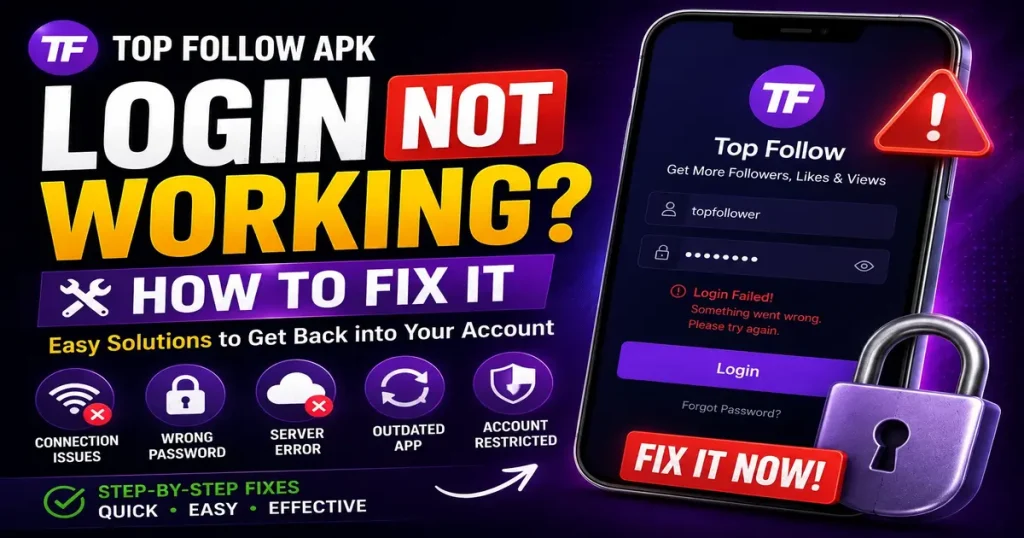
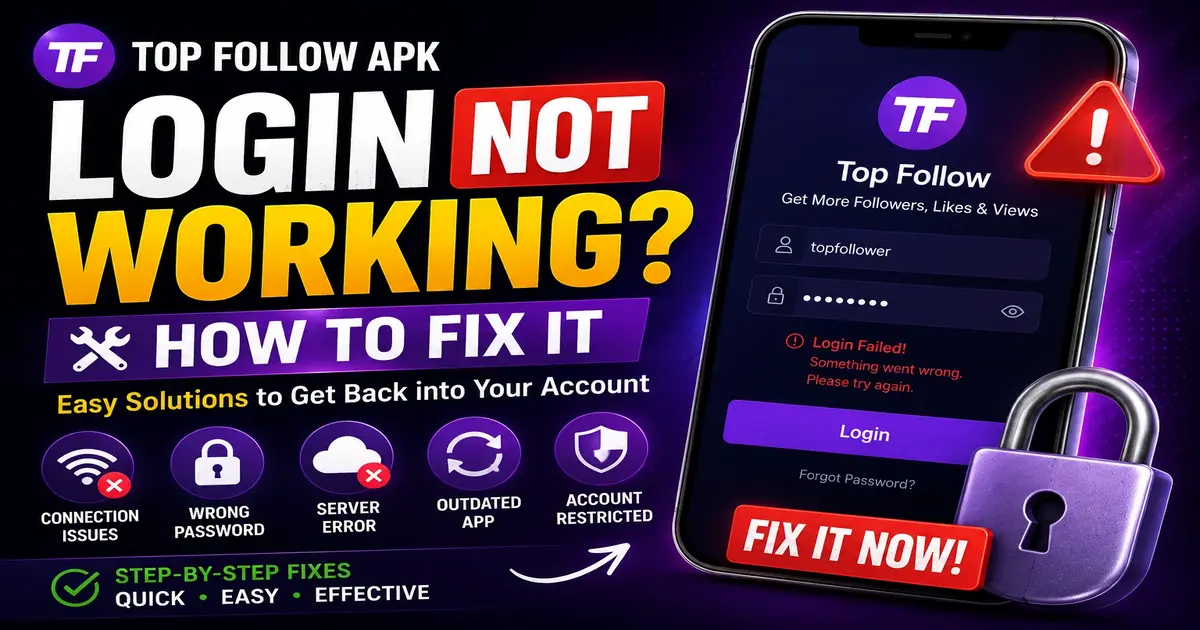
A login error is one of the most common problems people run into with Top Follow APK. Most of the time, it is not a broken app. It is one of a handful of specific causes, each with its own fix. If you’re also looking for ways to improve your Instagram likes, check out our guide to Top Follow APK for Instagram Likes.
Confirm Your Instagram Login
Before touching anything inside Top Follow APK, open the official Instagram app and try logging in there first. If your username and password work in Instagram itself but not in Top Follow APK, the problem is not your credentials. Something else is blocking the connection.
If Instagram itself rejects your password, reset it directly through Instagram. No third-party app can fix a password problem, since that lives entirely on Instagram’s side.
Instagram Is Limiting Third-Party Logins
Instagram actively monitors login attempts from apps outside its own ecosystem. When it detects repeated attempts from a third-party app like Top Follow APK, it can temporarily block that login path, even if your password is correct.
This is not unique to Top Follow APK. It happens across most apps in this category. The fix here is patience more than anything technical. Wait a few hours before trying again. Repeated attempts in a short window tend to make the block last longer, not shorter. If your login issue appeared after using the app, you may also want to read our guide on Top Follow APK Account Restricted or Banned.
Check for an Outdated App Version
An old version of the app may be trying to connect through a login method Instagram has since changed or blocked. Instagram updates its security systems fairly often, and older third-party apps don’t always keep up right away.
Uninstall the current version, then download and install the latest one from a trusted source. This alone resolves a large share of login issues, since it clears out any corrupted files from the old install.
Two-Factor Authentication Can Interrupt the Process
If your Instagram account has two-factor authentication turned on, Top Follow APK may not handle the verification step the same way Instagram’s own app does. Some versions fail silently instead of showing a clear error.
If this applies to you, try temporarily disabling two-factor authentication just long enough to log in, then turn it back on afterward. This is not ideal from a security standpoint, so only do this on a secondary account you are comfortable testing with, not your main one.
Clear the App’s Cache and Data
Over time, a mobile app builds up cached data that can interfere with new login attempts, especially after an update. Go into your phone’s app settings, find Top Follow APK, and clear both the cache and the stored data. This does not delete the app itself, but it resets it to a fresh state, similar to reinstalling without needing to redownload the file.
Check Your Internet Connection
It is worth ruling out early. A weak or unstable connection can cause a login request to time out in a way that looks like a rejected password, even though the credentials were never the problem. Switch between Wi-Fi and mobile data to see if the issue follows the app or the network.
Rule Out an Instagram-Side Restriction on Your Account
If your account has triggered any unusual activity flag on Instagram’s side, recently gained a large batch of followers, used another growth app, or logged in from several new locations quickly, Instagram may tighten login requirements across all apps, not just Top Follow APK.
Check the official Instagram app for any security prompts, verification requests, or warnings. If one appears, resolve it there first, since it will likely block third-party logins until it is cleared. Want to learn more about Top Follow APK? Visit our homepage for the latest information and updates.
When None of This Works
If you have gone through each step above and the login still fails, the most likely explanation is a temporary issue on the app’s own servers rather than anything on your device. This usually resolves on its own within a day or two. Trying repeatedly during this window usually does not help and can occasionally make Instagram’s monitoring more cautious about your login pattern.
Final Thought
Most Top Follow APK login problems trace back to one of a few causes: an Instagram-side restriction, an outdated app version, two-factor authentication, or a connection issue. Working through them in order, starting with confirming your password in Instagram itself, resolves the login error in most cases without needing to do anything drastic.